
English
Public hub of curated bases
The hub is a public index of knowledge bases reachable through a single MCP endpoint. An AI agent connects to your instance once and can search your own notes and every federated base — no extra configuration per base, no separate credentials.
Think of it as a curated directory where each entry is a knowledge base: a philosophy archive, a technical journal, an agent-skill catalog, a Telegram channel index. The agent picks the right base (or fans out across all of them) depending on the query.
What the hub is
The hub lives at /_system/mcp on a trip2g instance. It exposes six MCP tools — search, similar, note_html for local notes, and federated_search, federated_similar, federated_note_html for remote bases. An agent pointed at the hub endpoint reaches everything through those six methods.
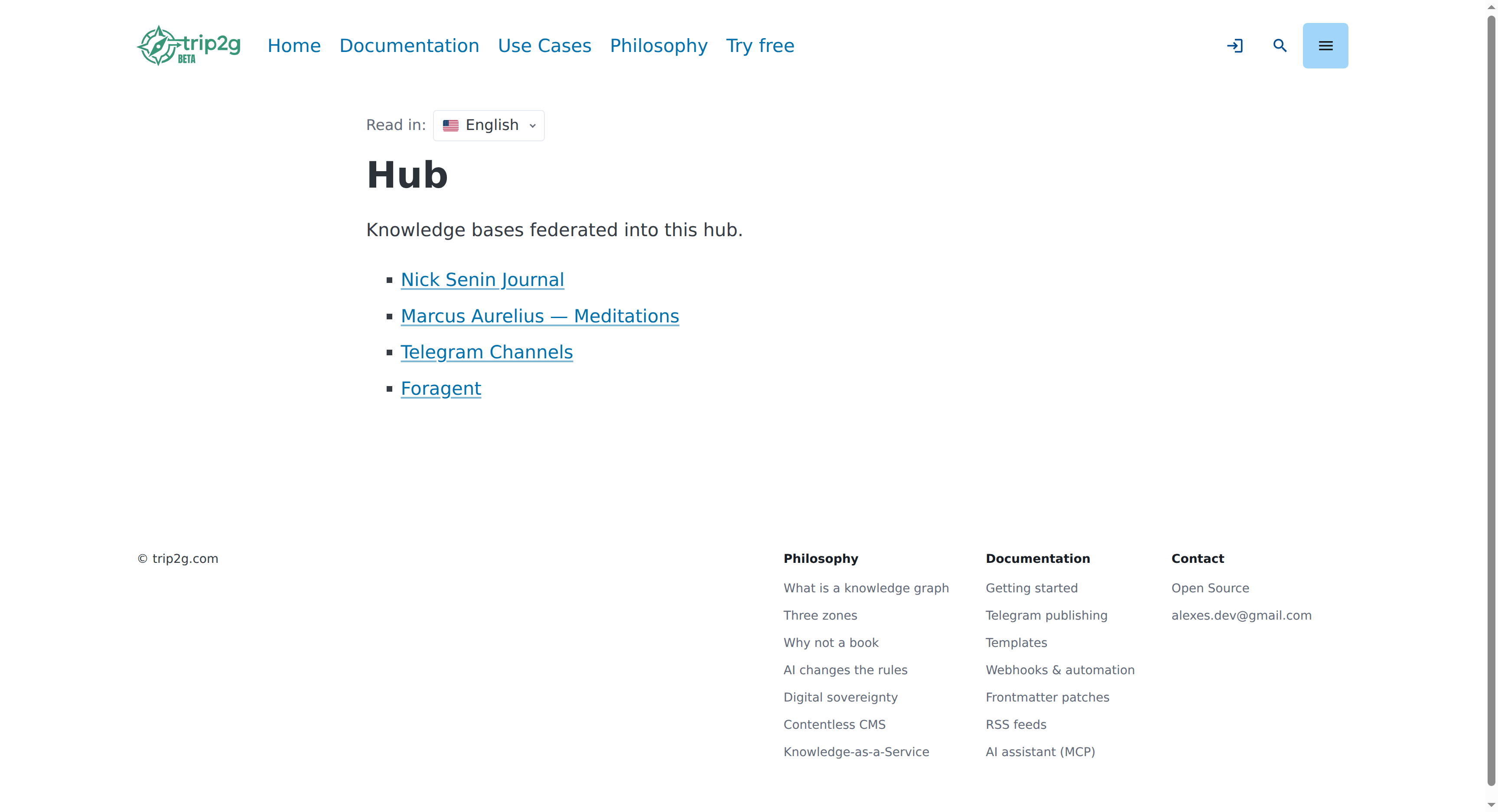
The bases listed in hub/ are real, working knowledge bases the hub can route to. Each entry in the hub index is a KB-note — a regular Obsidian note whose frontmatter carries mcp_federation_kb_url. That one field registers the remote base and makes it reachable via federated_search.
How an agent uses the hub
Point your MCP client (Claude Desktop, Claude Code, Cursor, or any MCP-compatible tool) at:
https://trip2g.com/_system/mcp
Then ask normally. The agent runs a local search first. If the search result is a KB-note — an entry in the hub — the response includes a kind: "federation_kb" marker and an instruction to call federated_search with that base's kb_id. From there the agent fetches content from the remote base directly, without loading it all upfront.
To target a specific base directly:
federated_search(query: "code review TypeScript", kb_id: "foragent")
To fan out across all accessible bases:
federated_search(query: "Marcus Aurelius on decisions")
Results from all reachable bases are merged and returned together.
How a base gets listed
A base appears in the hub when you add a KB-note to your vault and sync. The note needs one frontmatter field:
---
title: "Philosophy Archive"
free: true
mcp_federation_kb_url: https://philosophers.example.com/_system/mcp
mcp_federation_kb_id: philosophy
---
Use when: finding philosophical references for engineering decisions.
Don't use when: anything time-sensitive or domain-specific.
mcp_federation_kb_url registers the remote base. mcp_federation_kb_id gives it a short slug for targeted queries — if omitted, the slug defaults to the URL hostname. The note body is free text; the agent reads it when deciding which base to query, so describe the contents clearly.
free: true makes the entry visible to anonymous MCP callers. Without it, only authenticated subscribers and admins can route through this base.
Public bases and private peers
Public bases — no authentication needed. The hub proxies calls anonymously. Add the KB-note, sync, and the base is live.
Private peers — require a shared HMAC secret. You and the peer each generate a secret for the other side and paste it in Admin → Federation. Until the secret is set, calls to that base return no results. Full setup is in federation.
The foragent base in the current hub is an example of a private peer: it has no public access of its own, and the hub holds the key.
Hub entries are browsable notes
Because each KB-note is a regular note, it appears as a page on your site too. Readers can browse the hub at /hub the same way they browse any other section. The note body — what you write about when to use this base — becomes the public description.
Write the body to help both agents and human readers: what topics the base covers, what kinds of questions it answers well, what it does not cover.
Related
- federation — full protocol details, HMAC setup, permissions, troubleshooting
- mcp — how the local MCP server works and how to connect clients
- llm-wiki — how to build an LLM-readable knowledge base from your Obsidian vault